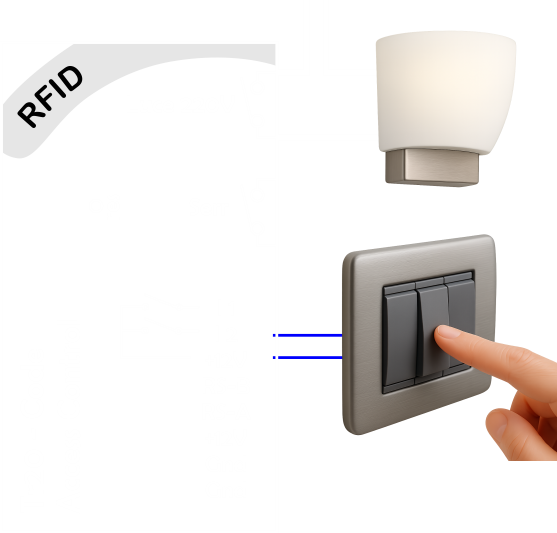
Installazione Hardware
Configurazione lettore
Premere il pulsante posteriore per 5 secondi, evitando di toccare i pulsanti frontali, fino al segnale acustico.
Il led rosso rimarrà fisso fino alla fine della sequenza.
Sequenza di configurazione
Digitare 13 cifre in ordine:
2 Cifre → Numero della porta da 01 a 99, Per porta comune 00
5 Cifre → Codice master
2 Cifre → Tempo apertura porta in 0.1Sec (si spegne comunque con il micro porta)
1 Cifra → Modalità con card = 1, senza card = 0
1 Cifra → minuti della temporizzazione, 0 = 30sec
1 Cifra → 0 = attivazione carichi, 1 = luce gestita, 2 = luce temporizzata, 3 = citofono analogico
1 Cifra → 0 = non azzera contatore e chiavi (non necessita resettare sul generatore di chiavi), 1 = cancella tutto.
Esempio 01 12345 10 1 1 2 1
In modalità carichi, il relè Luce rimane chiuso per tutto il tempo del soggiorno,
oppure per 60 minuti in caso di apertura con card servizio.
Questa è una modalità di risparmio energetico meno efficace dell'uso del lettore interno.
In modalità citofono, se collegato ad un citofono analogico, premendo la sequenza lungo-corto-lungo il campanello sotto, viene aperto il portoncino, poi saliti al piano si apre con il codice.
Collegamenti elettrici
Montaggio tastiera senza security
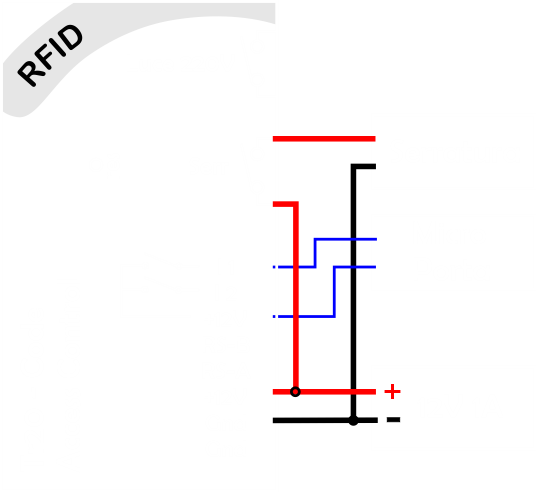
Montaggio tastiera con security
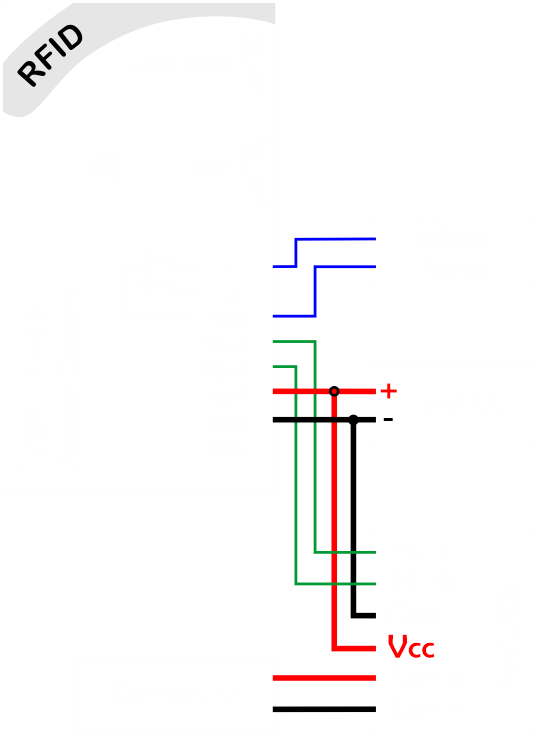
Montaggio tastiera con security e lettore interno
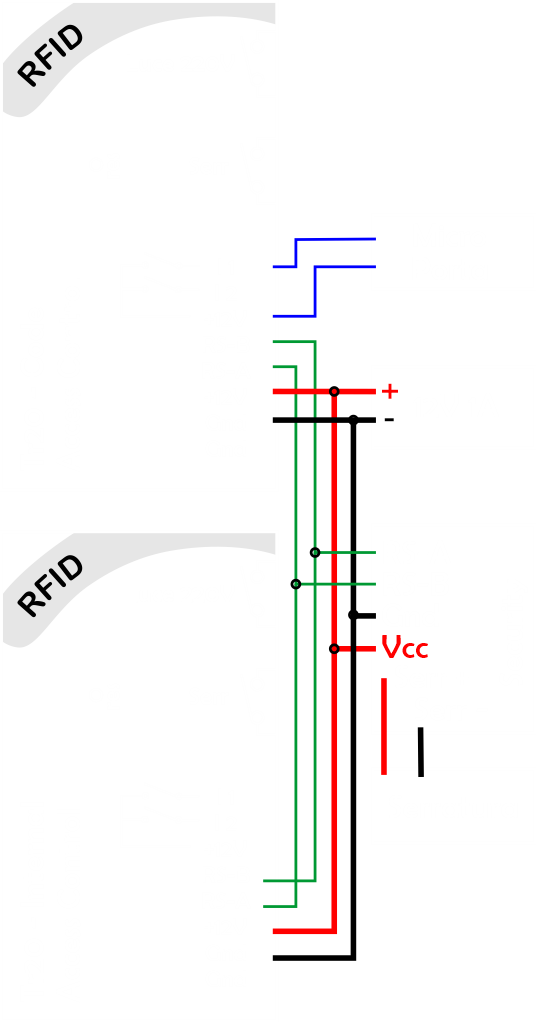
Lettore Wiegand Security da esterno IP67
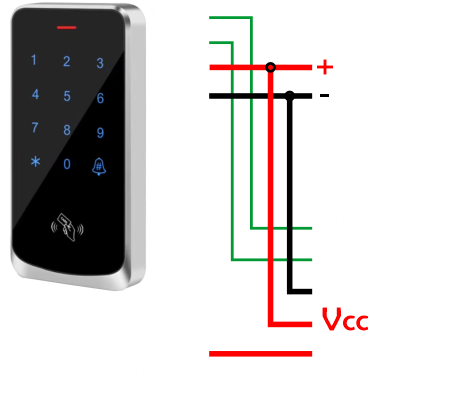
Collegamento Luci
La luce può operare in tre modalità:
• Risparmio energetico: Le prese e il clima rimangono attive per tutta la durata di validità del codice oppure per un'ora dall'apertura effettuata con codice o card di servizio. Nel secondo caso, premendo un tasto è possibile spegnere anticipatamente. Questa modalità è meno efficace rispetto all'uso di un lettore interno, che permette di spegnere automaticamente il clima quando il cliente esce dalla camera.
• Temporizzata: La luce si accende automaticamente all'apertura della porta oppure premendo il pulsante, e resta accesa per un tempo predefinito.
• Gestita: La luce si accende all'apertura; inserendo la scheda resta accesa finché non si preme il tasto (che accende e spegne). Rimuovendo la card, si spegne automaticamente dopo 3 minuti.